Set-Up and Securing Reverse Proxy with Nginx on Docker
Posted on · by Wandana

Photo by Kaleidico (opens in new tab)
Prerequisites
- Basic knowledge of using Docker and docker-compose,
- Already installed Docker and docker-compose, and
- Have valid SSL/TLS on Your domain.
or you can read the previous post on how to install Docker and get free Let’s Encrypt SSL/TLS.
Docker Compose File
Your docker-compose.yml file, will look like this.
Inside volumes configuration, there is 3 external mounted volumes :
-
nginx.confContains Your web server or Nginx configuration file, like upstream, reverse proxy, serve the static file, etc.
-
fullchain.pemThe file
fullchain.pemcontains both your server certificate file and the intermediate (conveniently placed in the correct order). This means that you should always usefullchain.pemwhen configuring a server certificate in an application. - on Get Your Certificate Chain Right -
privkey.keyThe private key is a separate file that’s used in the encryption/decryption of data sent between your server and the connecting clients. A private key is created by you — the certificate owner — when you request your certificate with a Certificate Signing Request (CSR). - on Where is Your Private Key?
Nginx Configuration File
Your nginx.conf file, will look like this.
Sample Application
Clone this repo Setup & Securing Nginx Reverse Proxy in Docker, and move into the repo folder.
git clone https://github.com/dnwandana/setup-secure-nginx-reverse-proxy.git
cd setup-secure-nginx-reverse-proxy
- Copy Your
fullchain.pemandprivkey.peminto this folder, - Change
apiDomainwith yourdomain.tld/api/insideclient/package.jsonfile, - Run
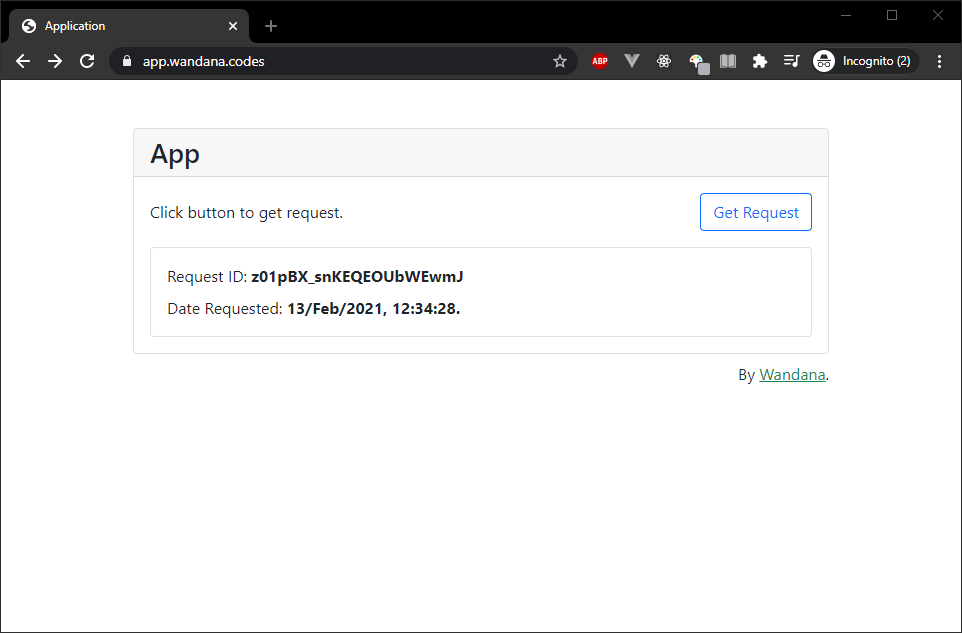
docker-compose up -d, and then access Your domain in your browser.
Homepage Application
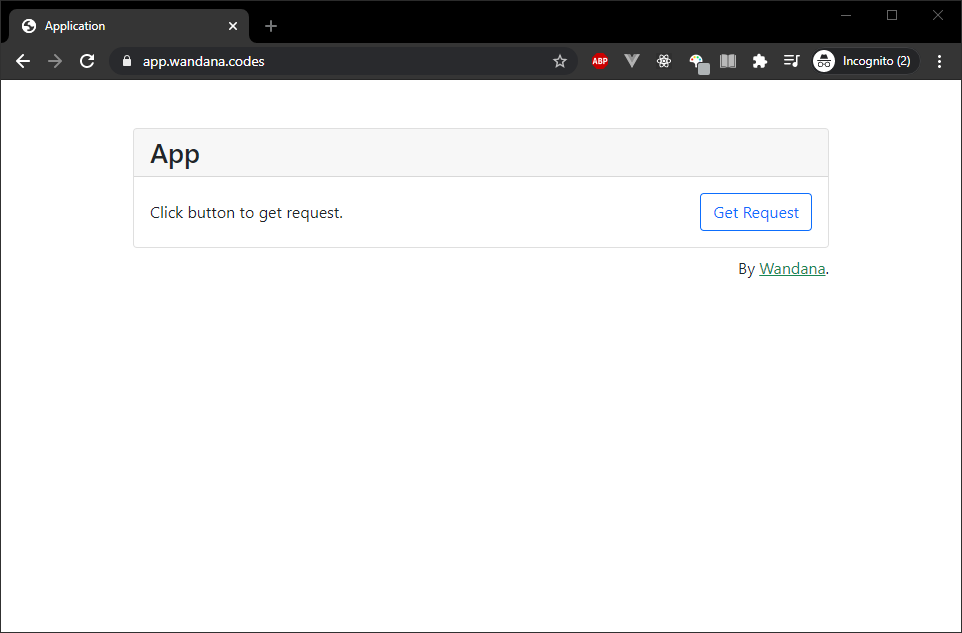
Application API Route
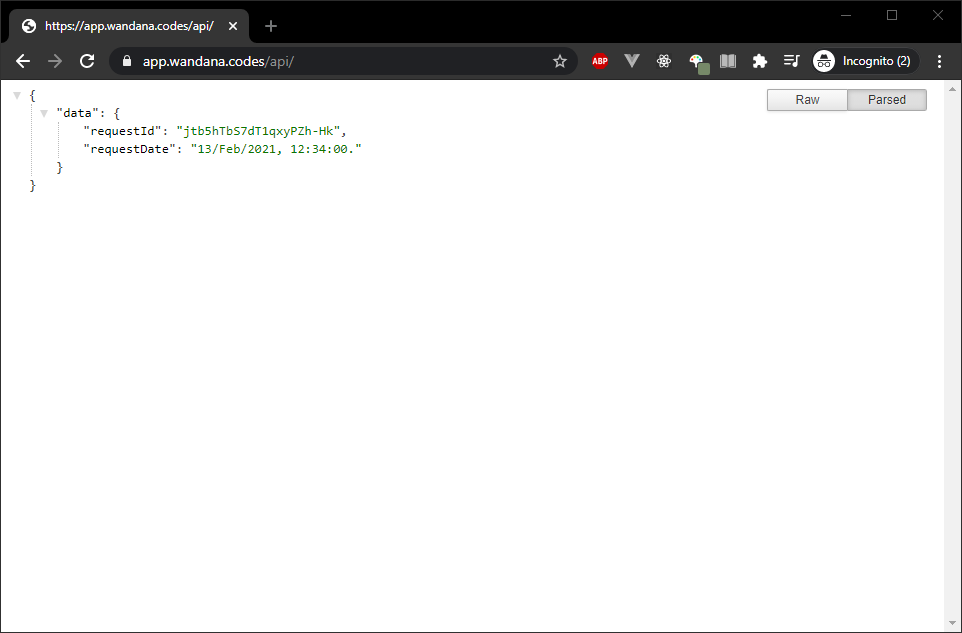
Application Sending Get Request